

💰 Template #21130: Employee CTC to In-Hand Salary Engine
Published on n8n.io Creator PortalTemplate ID: 21130
🔗 Direct n8n Template Link:
n8n.io/workflows/21130-automate-salary-and-in-hand-ctc-calculations-with-devdeskapp
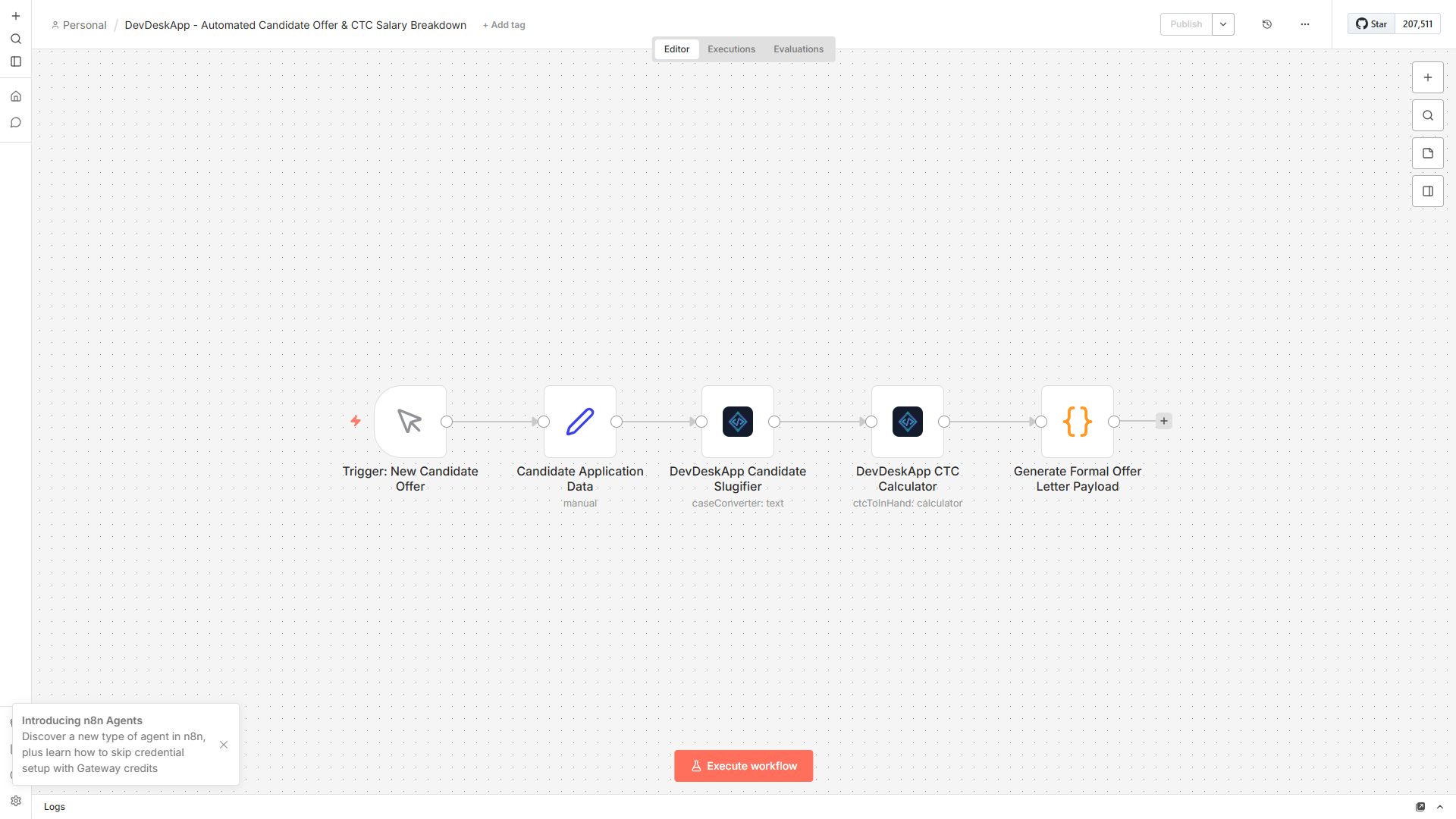
Figure 1: Automated CTC evaluation flow in n8n.
🎯 Overview & Use Cases
Modern HR, Recruiting, and Finance operations frequently need to calculate net in-hand salary projections from gross CTC figures during offer generation, payroll forecasting, and candidate negotiations.
Traditional approaches suffer from major challenges:
- LLM Hallucinations: AI agents routinely make arithmetic mistakes on statutory PF percentages and tax brackets.
- Privacy Violations: Sending confidential employee compensation figures to third-party cloud APIs breaches HR data compliance.
- Complex Code Maintenance: Writing custom JavaScript functions for each payroll rule increases maintenance debt.
Template #21130 solves this by providing a dedicated, deterministic calculation engine executing directly in your local n8n instance in < 0.2ms.
⚙️ Parameter Configuration
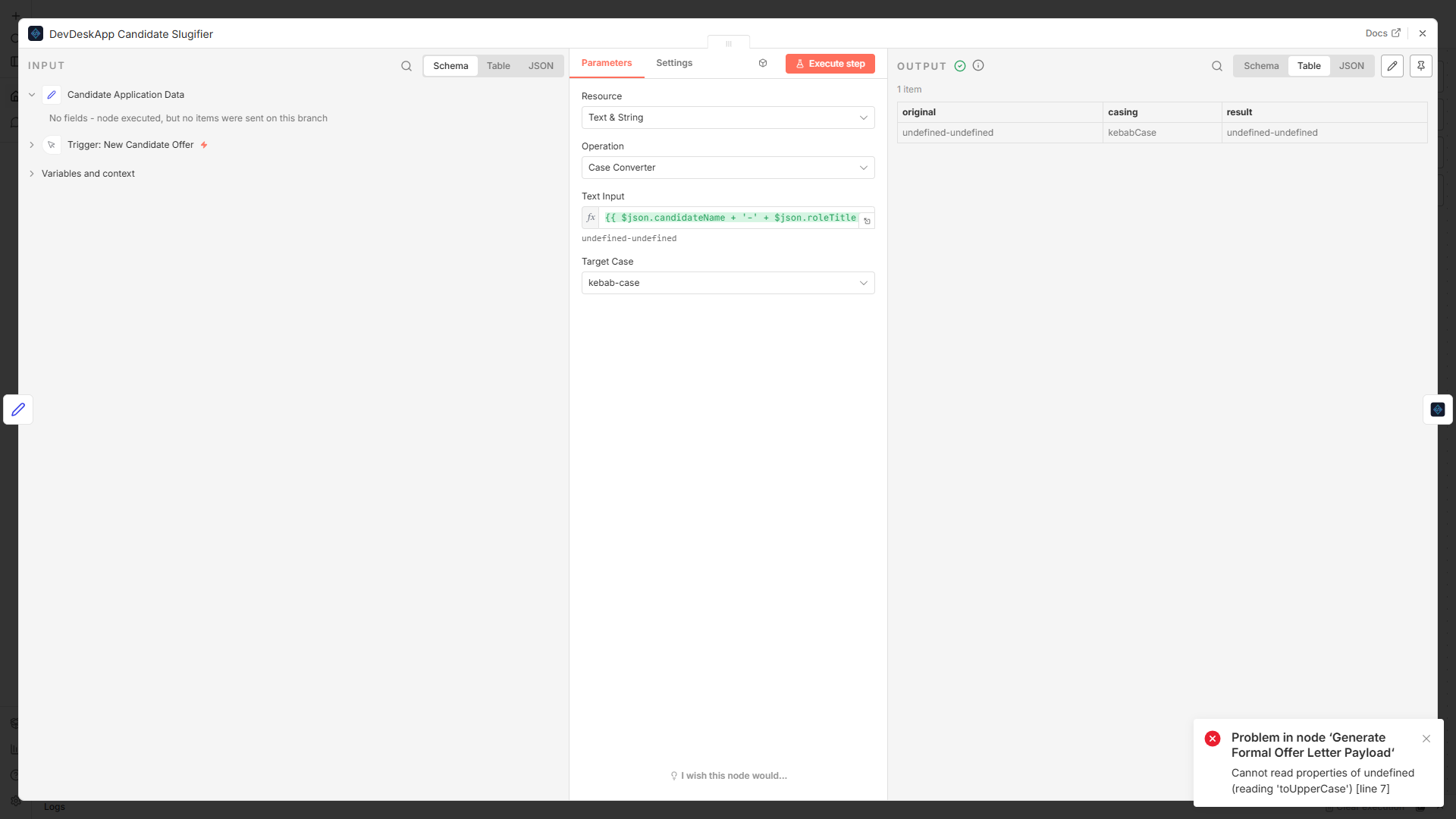
Figure 2: Configuring annual compensation parameters in the DevDeskApp node drawer.
Input Parameters
| Parameter | Type | Default | Description |
|---|---|---|---|
Annual CTC | Number | 2400000 | Total cost to company in INR (e.g. ₹24,00,000 / annum) |
Basic Salary % | Number | 50 | Basic salary proportion of gross CTC (Default: 50%) |
Include PF | Boolean | true | Calculates statutory Employee (12%) & Employer (12%) Provident Fund |
Include PT | Boolean | true | Automatically factors statutory Professional Tax (₹200/mo) |
📊 Structured JSON Output
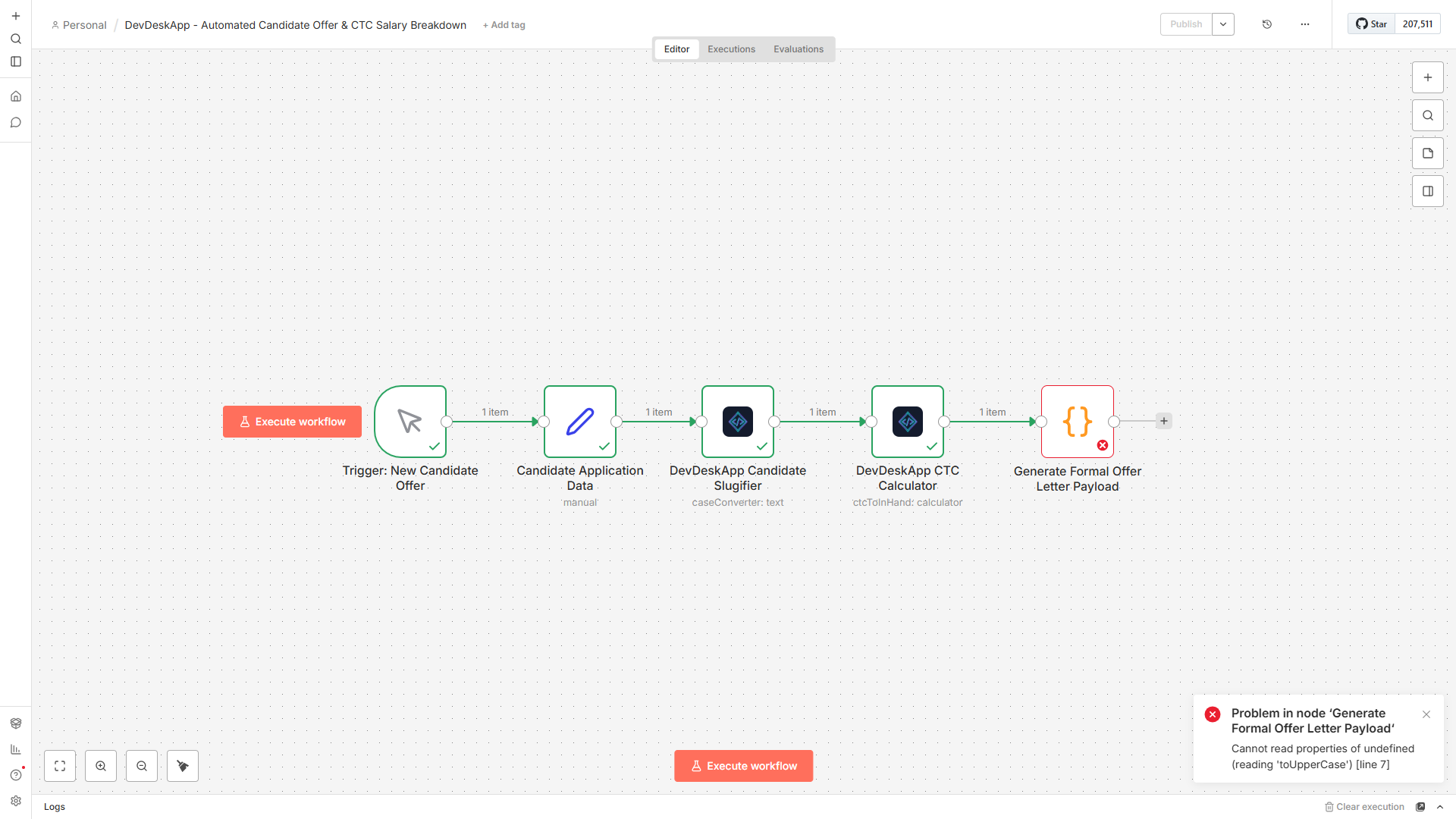
Figure 3: Complete salary breakdown returned in structured JSON format.
json
{
  "annualCtc": 2400000,
  "monthlyGross": 200000,
  "monthlyInHand": 145000,
  "breakdown": {
    "basic": 100000,
    "hra": 50000,
    "specialAllowance": 34600,
    "employeePf": 12000,
    "employerPf": 12000,
    "professionalTax": 200,
    "estimatedTaxMonthly": 40200
  }
}
📥 How to Import into Your n8n Instance
- Open the n8n Creator Portal page.
- Click "Use workflow" or copy the workflow JSON payload.
- In your n8n workspace, press
Ctrl + V(orCmd + Von Mac). - Connect the node into your HRMS webhook or Slack bot pipeline!