

Official Workflow Templates
Discover and copy production-ready n8n workflows built with n8n-nodes-devdeskapp. You can copy the workflow JSON snippets below and paste them directly into your n8n canvas using Ctrl+V (or Cmd+V).
Template 1: Flagship Developer Suite & Security Engine (Template #21017)
Published on n8n.io Creator PortalTemplate ID: 21017
🔗 Direct n8n Template Link: n8n.io/workflows/21017-format-json-and-secure-hr-payloads-with-devdeskapp-utilities
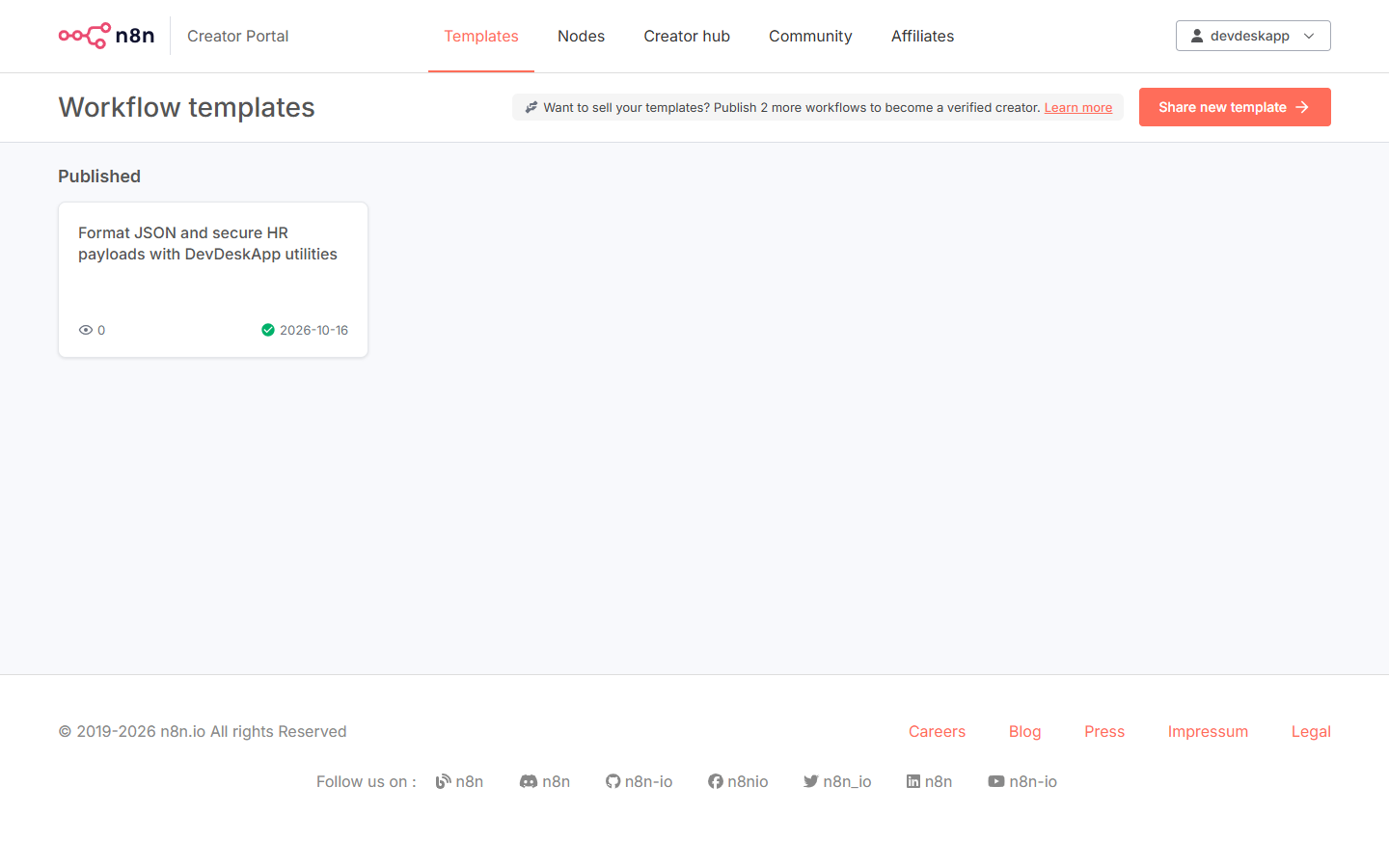
Figure 1: Official verified published template on n8n.io Creator Portal.
Workflow Architecture
This workflow runs on a manual trigger or incoming webhook and performs 5 essential developer operations sequentially:
- Sample Developer & HR Payload: Mock payload with minified JSON and candidate profile.
- DevDeskApp Prettifier: Re-formats raw JSON into an indented, human-readable structure.
- DevDeskApp SHA-256 Digest: Generates cryptographic tamper-proof digest.
- DevDeskApp UUID Generator: Stamps every request with an RFC 4122 v4 trace ID.
- DevDeskApp Slugifier: Cleans full names and titles into URL-safe slug identifiers.
- DevDeskApp CTC Calculator: Computes monthly take-home, employee/employer PF, PT, and tax breakdown.
- Consolidated Output: Assembles clean, validated JSON output ready for databases or downstream microservices.
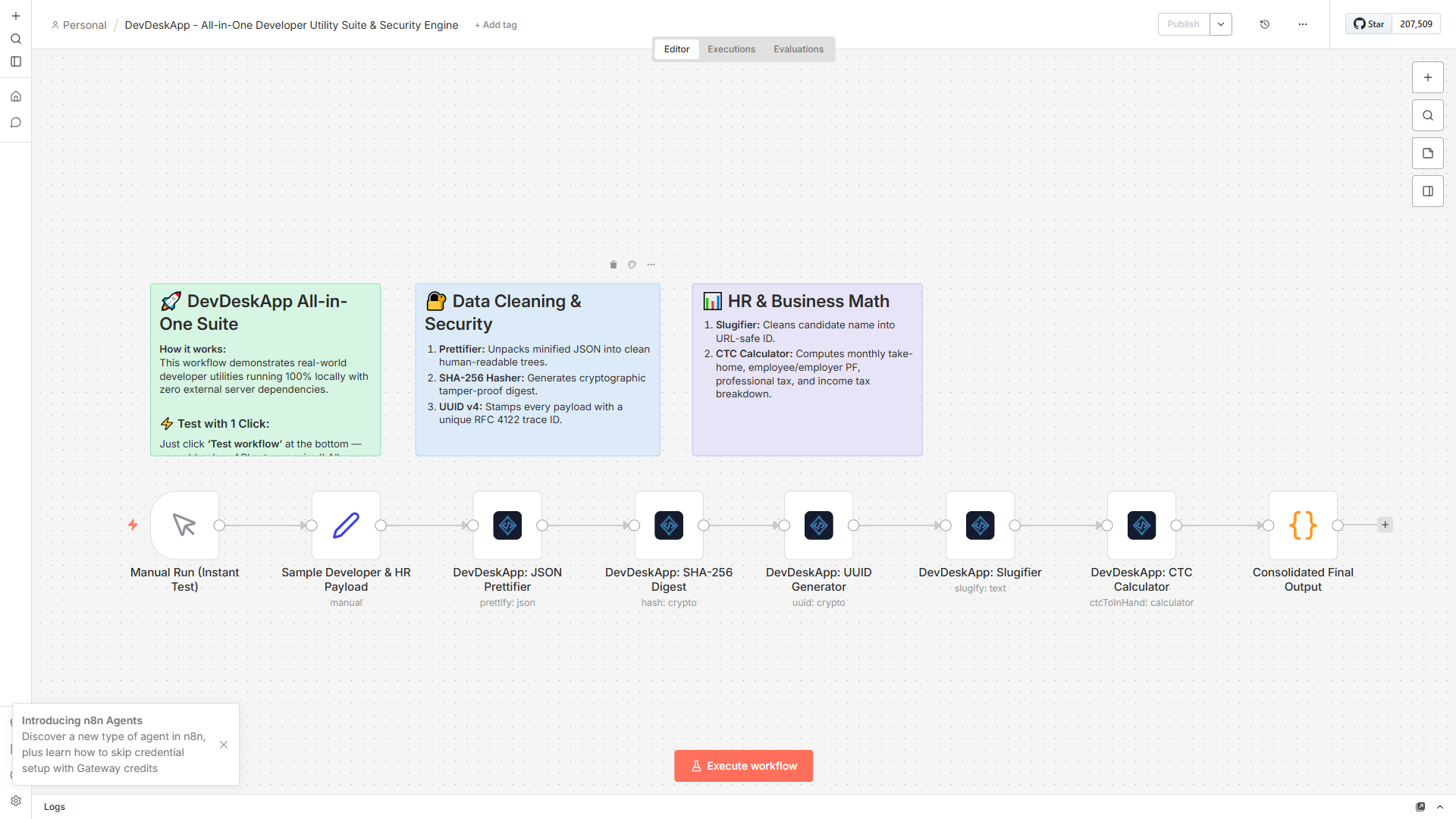
Figure 2: Complete automation pipeline with sticky notes and configured node parameters.
1-Click Execution Result
When executed, every step finishes in sub-millisecond CPU time:
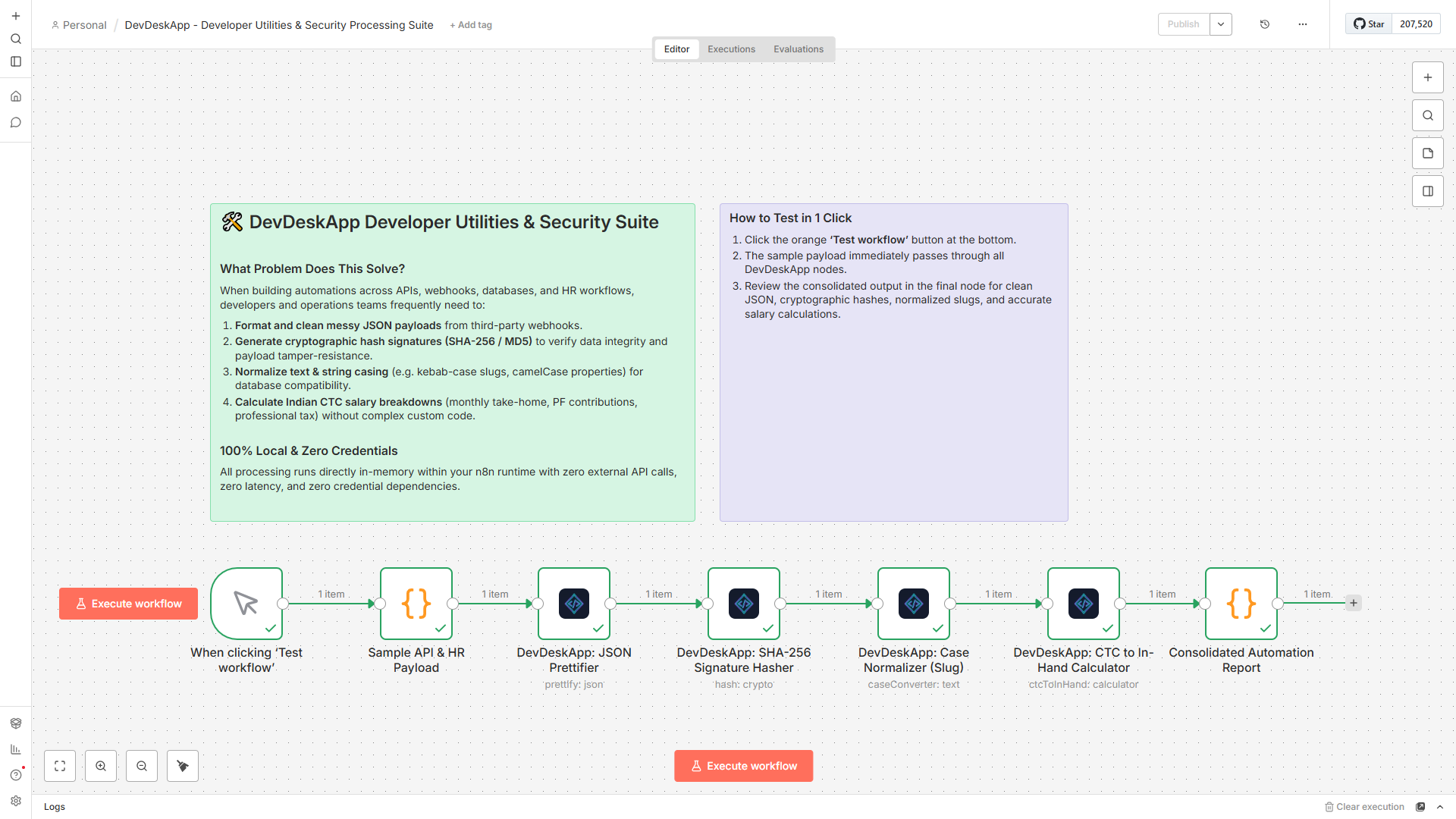
Figure 3: Execution trace showing instantaneous transformation across all 5 DevDeskApp operations.
Template 2: Employee CTC to In-Hand Salary Engine
Designed for HR, Payroll, and Recruiting operations to automate salary computation from raw offer letter inputs:
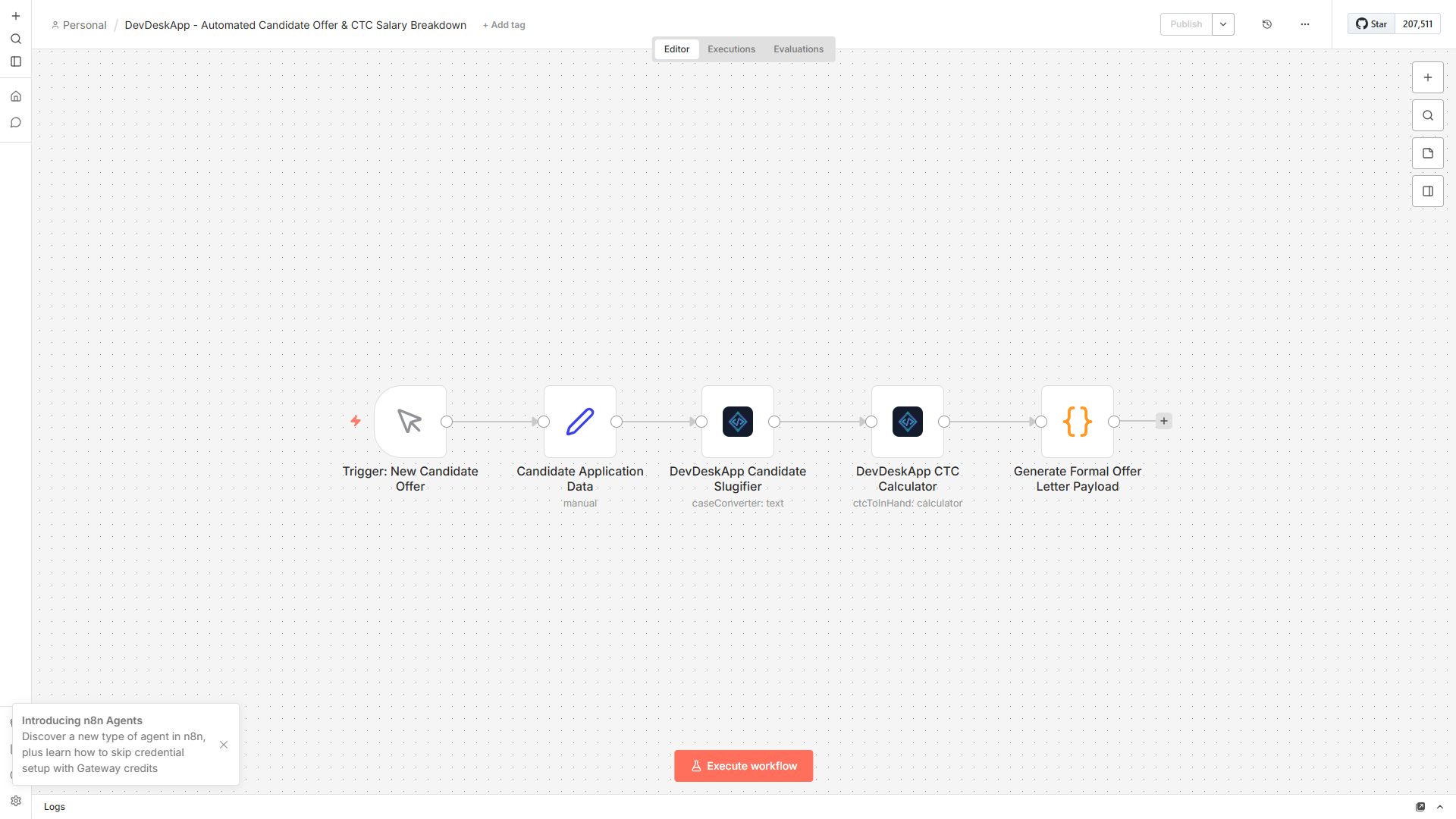
Figure 4: Automated CTC evaluation flow in n8n.
Parameter Drawer & Indian Payroll Rules
- Input annual CTC (e.g. ₹2,400,000).
- Configurable basic salary percentage (default: 50%).
- Automatic statutory calculation for Employee PF, Employer PF, Professional Tax (PT), and estimated monthly in-hand take-home salary.
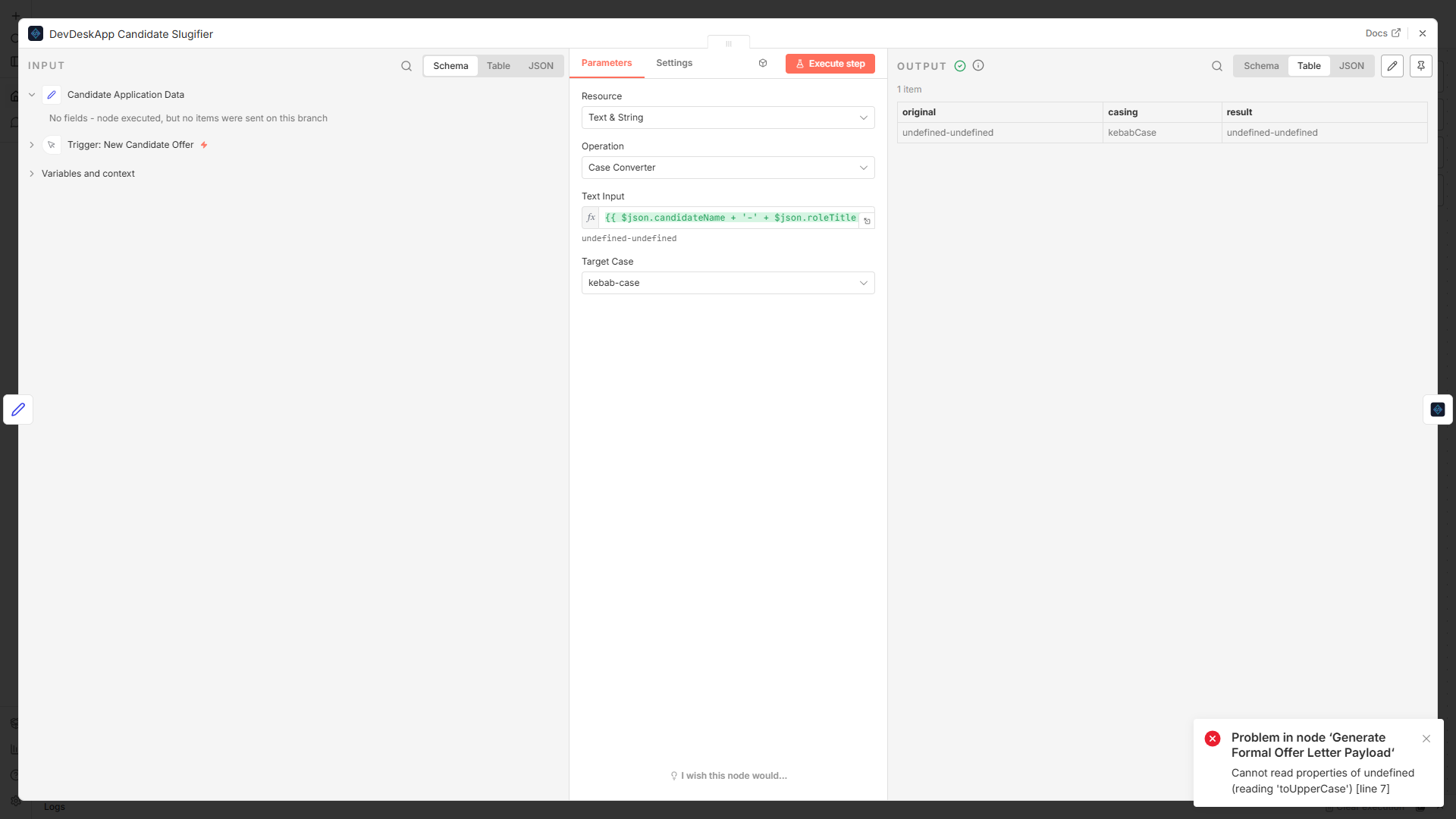
Figure 5: Inputting annual compensation parameters in DevDeskApp node drawer.
Real-Time Breakdown Output
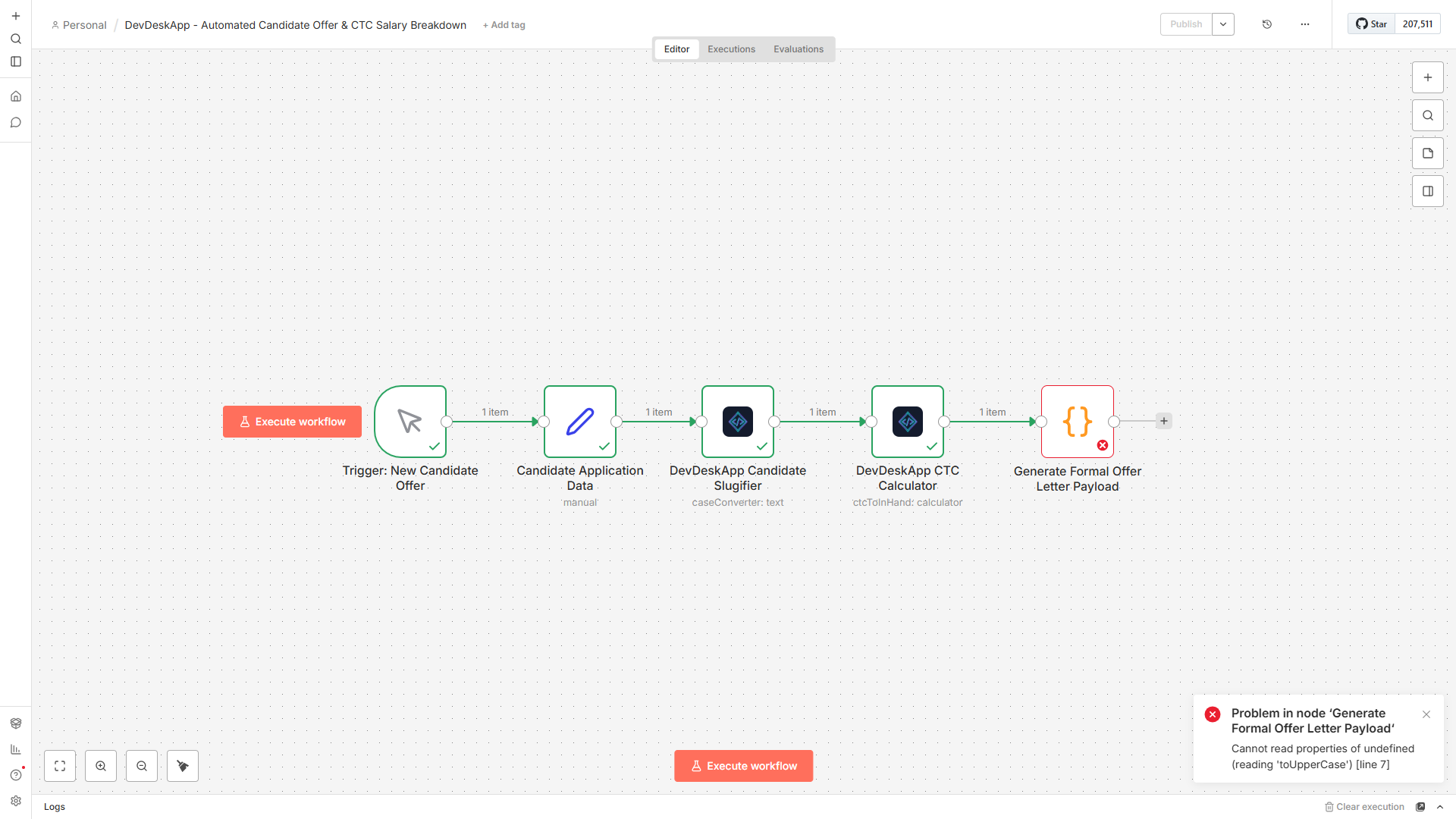
Figure 6: Complete salary breakdown returned in structured JSON format.
json
{
  "annualCtc": 2400000,
  "monthlyGross": 200000,
  "monthlyInHand": 145000,
  "breakdown": {
    "basic": 100000,
    "hra": 50000,
    "specialAllowance": 34600,
    "employeePf": 12000,
    "employerPf": 12000,
    "professionalTax": 200,
    "estimatedTaxMonthly": 40200
  }
}
How to Import Templates into Your n8n
- Copy the JSON structure of any template.
- In your n8n editor window, click anywhere on the canvas grid.
- Press
Ctrl + V(orCmd + Von macOS). - The workflow will appear instantly with all connections and pre-set parameters!